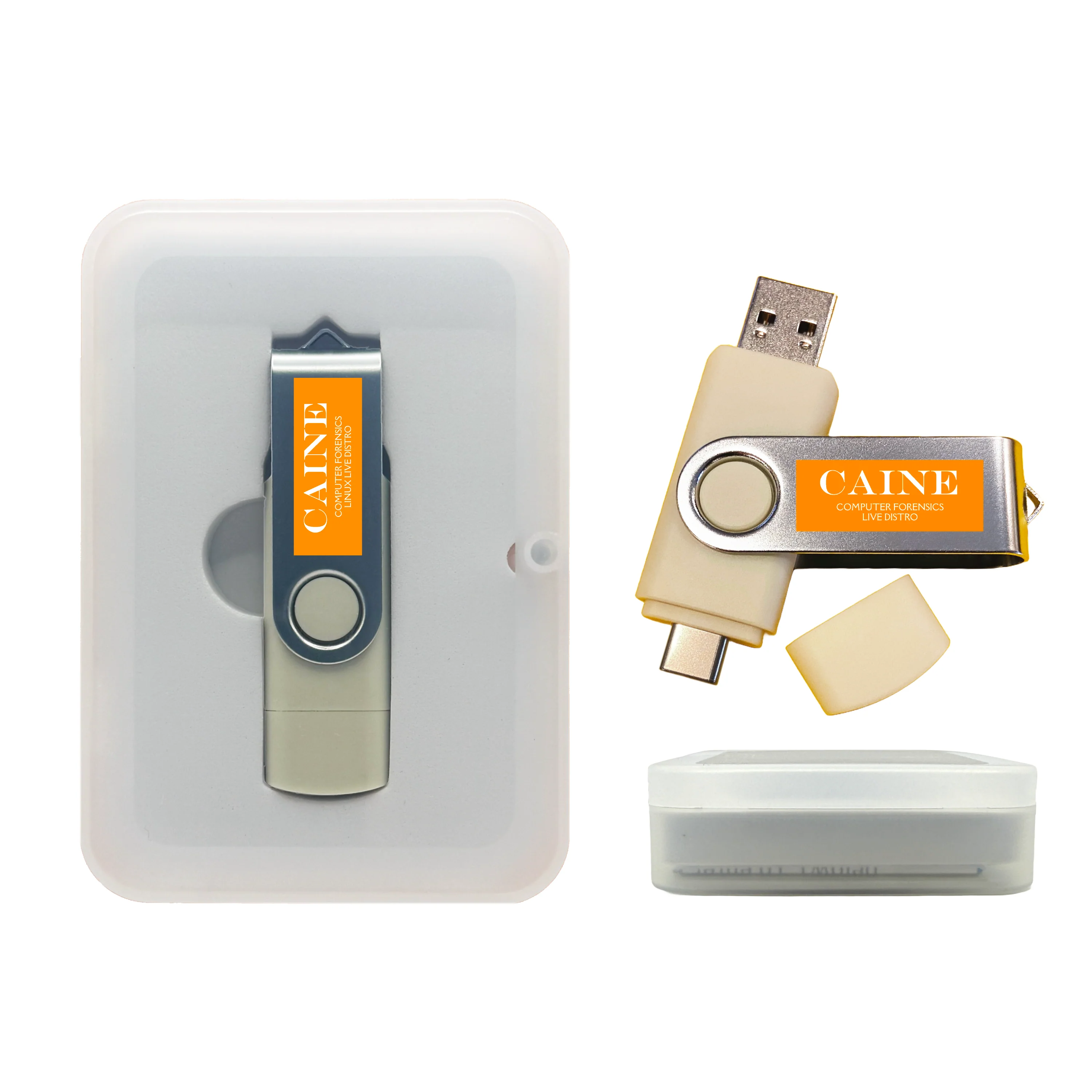
CAINE Computer Forensics Bootable USB – Digital Investigation & Data Recovery Toolkit
Boot a full Linux digital forensics workstation from USB — ideal for incident response, data recovery, and safe evidence acquisition without altering the target system.
🧰 What You Can Do
- Create forensic disk images (bit-for-bit copies) from HDD, SSD, USB, or memory cards.
- Recover files — undelete, carve photos/documents, inspect partitions.
- Analyze systems — logs, artifacts, timelines, metadata.
- Perform memory forensics — capture & analyze RAM (supported systems).
- Run triage — boot safely without starting the suspect OS.
📦 What's Included
- Bootable CAINE Linux Live USB (Forensics Edition) — no installation required.
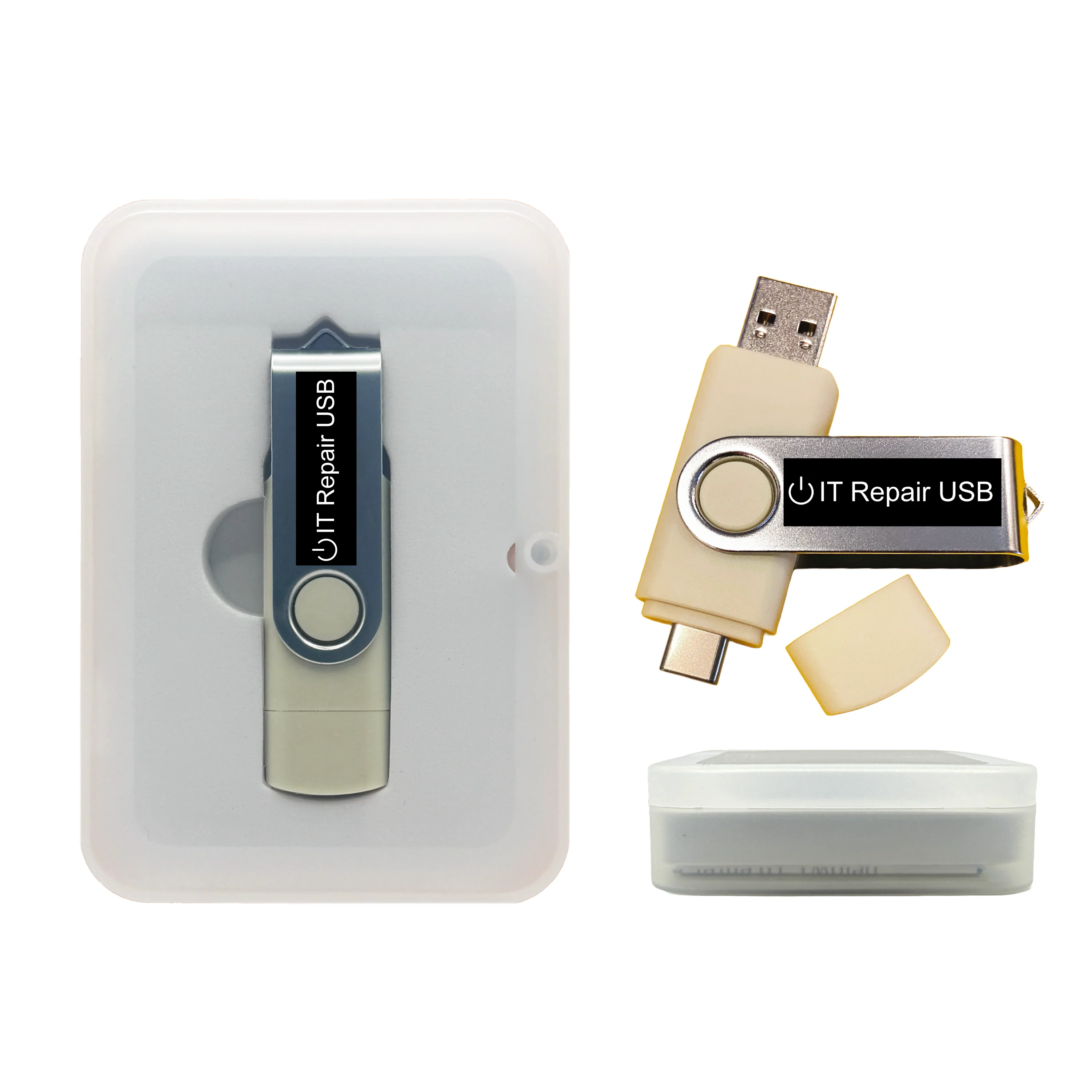
- Dual USB-A / USB-C connector flash drive (USB 2.x, works in USB 3.0 ports).
- Full CAINE digital-forensics toolset preloaded.
- Basic boot tips & key guide.
- Packaging: standard (Clear Box) or gift (Tin Case).
💻 Compatibility & Requirements
- Systems: x86_64 (64-bit) PCs that support USB boot (UEFI or Legacy BIOS).
- Ports: USB 2.0/3.x; keyboard & mouse recommended.
- Secure Boot: some devices may require temporarily disabling Secure Boot to boot external media.
- Not for ARM/M1/M2/M3 Macs. Some very new hardware may need additional driver steps.
⚙️ How to Boot
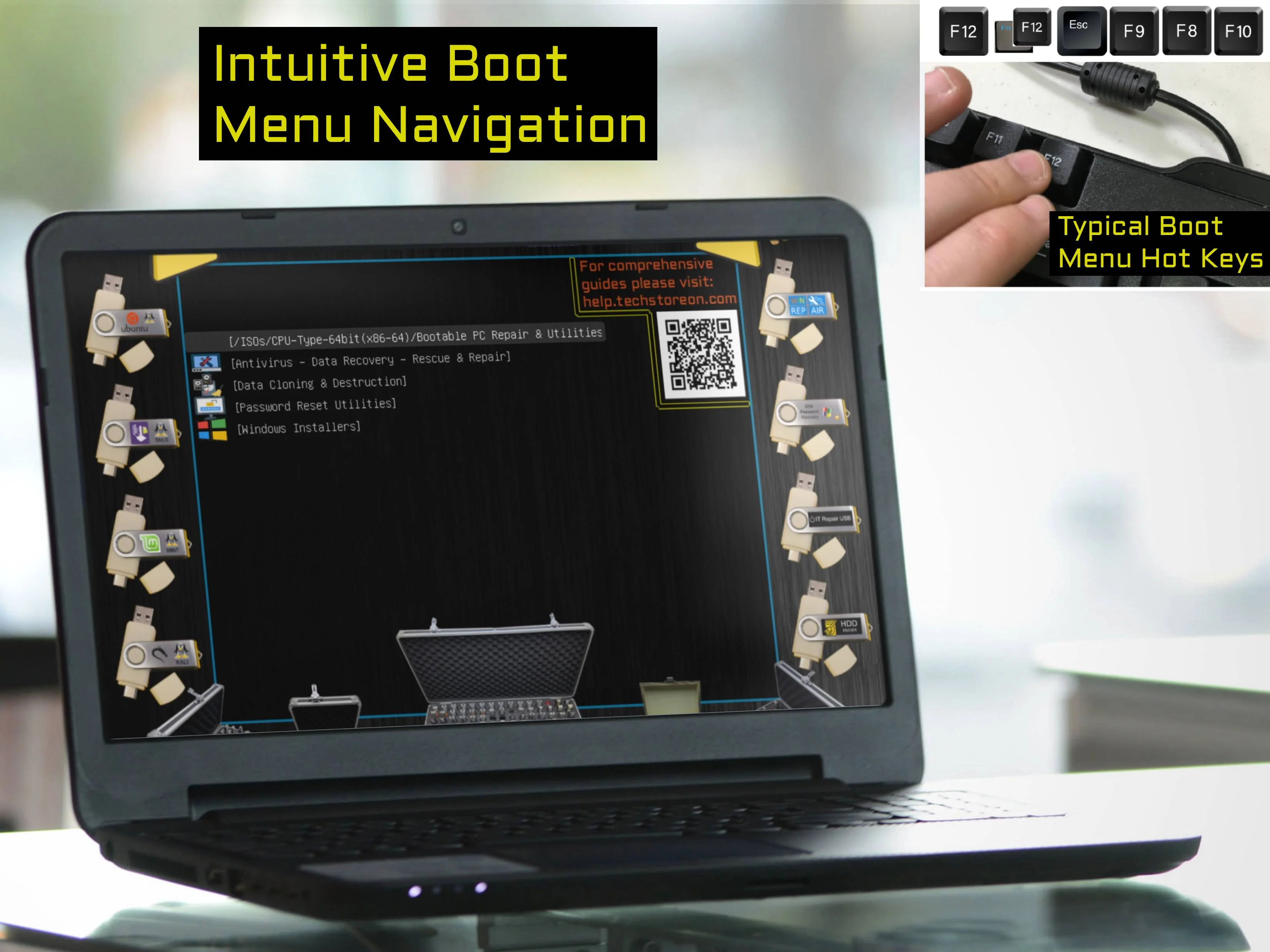
Insert USB, power on, press your boot-menu key (e.g., F12, Esc, F10, F2, Del).
Select the USB device and start the Live environment.
Follow on-screen prompts; use included tools for imaging, analysis, and recovery.
Help & Tutorials:
help.techstoreon.com — boot keys, USB booting guides, and troubleshooting.
🧪 Evidence-Safe Tips (Best Practice)
- Use read-only when possible: avoid mounting suspect drives read-write unless you must.
- Document everything: note timestamps, system details, and actions taken (chain of custody).
- Image first, analyze second: work from a verified image whenever possible.
- Hash verification: generate hashes (e.g., SHA256) for images to confirm integrity.
- Use a write-blocker for high-stakes cases: recommended for formal investigations.
These are general best practices; your organization’s IR/forensics policy should take priority.
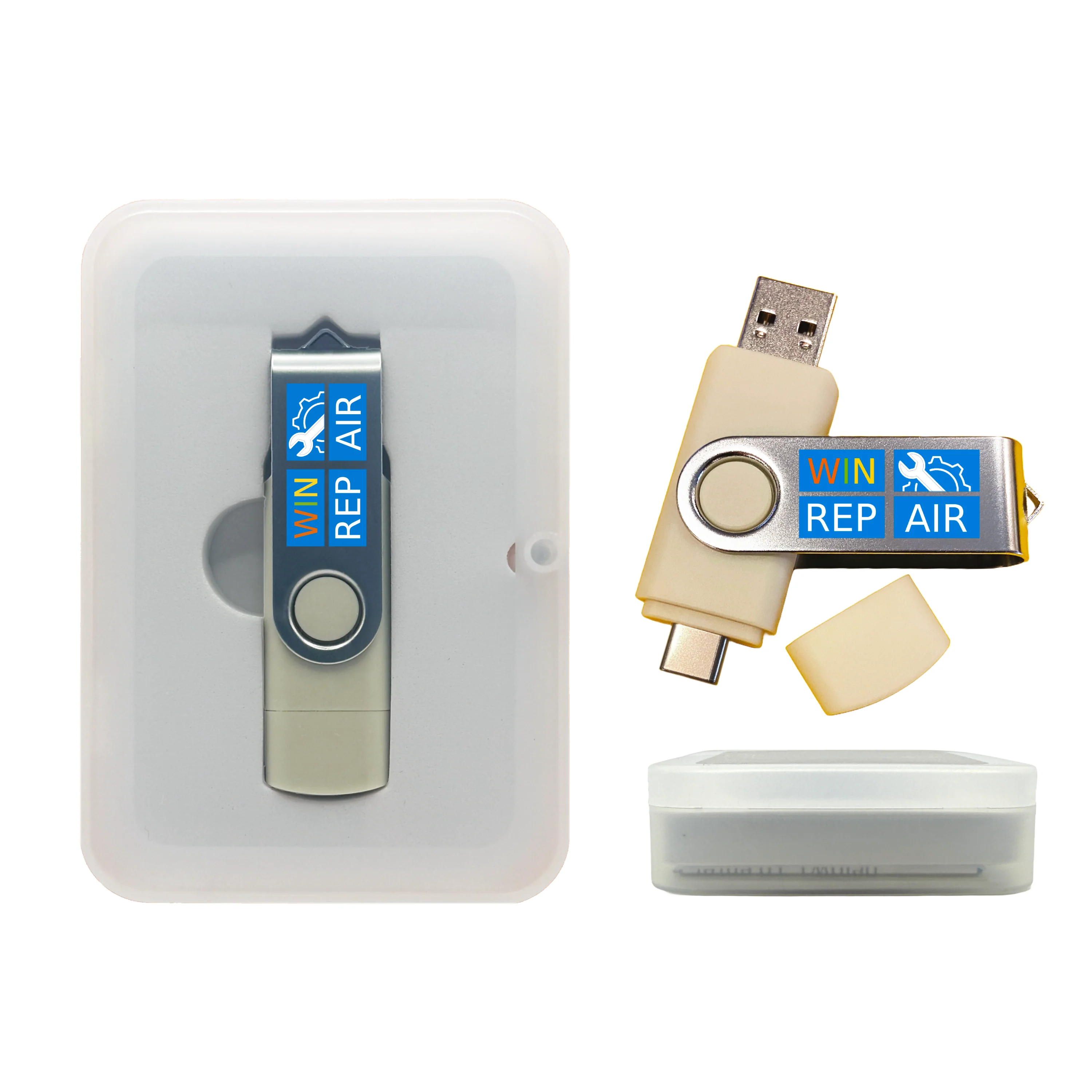
Need a broader “repair + recovery” toolkit too?
If your goal is fixing boot issues, malware cleanup, and data recovery (not full forensics workflows), this is a strong complement:
Computer Repair USBCAINE = forensics-first • Repair USB = maintenance/repair-first.
🔧 Customizable USB (Optional)
For labs, training environments, or IT teams, this USB may be customizable within technical and licensing limits. Examples of what may be possible:
- Adding or removing certain open-source forensic or utility tools.
- Preloading additional Linux utilities commonly used in your workflow.
To see what’s possible and how it works, read our customization guide:
https://www.techstoreon.com/pages/customize
Custom options may require extra time or cost. Some tools cannot be customized due to licensing or technical restrictions.
🛠️ Support
Need help booting on a specific PC or choosing the right workflow? Message Us.
⚠️ Ethical & Legal Use
This USB is intended for lawful digital forensics, data recovery, system triage, and authorized investigations. Use must comply with all applicable laws and organizational policies.
Product Information
Product Information
Shipping & Returns
Shipping & Returns
Description
Boot a full Linux digital forensics workstation from USB — ideal for incident response, data recovery, and safe evidence acquisition without altering the target system.
🧰 What You Can Do
- Create forensic disk images (bit-for-bit copies) from HDD, SSD, USB, or memory cards.
- Recover files — undelete, carve photos/documents, inspect partitions.
- Analyze systems — logs, artifacts, timelines, metadata.
- Perform memory forensics — capture & analyze RAM (supported systems).
- Run triage — boot safely without starting the suspect OS.
📦 What's Included
- Bootable CAINE Linux Live USB (Forensics Edition) — no installation required.
- Dual USB-A / USB-C connector flash drive (USB 2.x, works in USB 3.0 ports).
- Full CAINE digital-forensics toolset preloaded.
- Basic boot tips & key guide.
- Packaging: standard (Clear Box) or gift (Tin Case).
💻 Compatibility & Requirements
- Systems: x86_64 (64-bit) PCs that support USB boot (UEFI or Legacy BIOS).
- Ports: USB 2.0/3.x; keyboard & mouse recommended.
- Secure Boot: some devices may require temporarily disabling Secure Boot to boot external media.
- Not for ARM/M1/M2/M3 Macs. Some very new hardware may need additional driver steps.
⚙️ How to Boot
Insert USB, power on, press your boot-menu key (e.g., F12, Esc, F10, F2, Del).
Select the USB device and start the Live environment.
Follow on-screen prompts; use included tools for imaging, analysis, and recovery.
Help & Tutorials:
help.techstoreon.com — boot keys, USB booting guides, and troubleshooting.
🧪 Evidence-Safe Tips (Best Practice)
- Use read-only when possible: avoid mounting suspect drives read-write unless you must.
- Document everything: note timestamps, system details, and actions taken (chain of custody).
- Image first, analyze second: work from a verified image whenever possible.
- Hash verification: generate hashes (e.g., SHA256) for images to confirm integrity.
- Use a write-blocker for high-stakes cases: recommended for formal investigations.
These are general best practices; your organization’s IR/forensics policy should take priority.
Need a broader “repair + recovery” toolkit too?
If your goal is fixing boot issues, malware cleanup, and data recovery (not full forensics workflows), this is a strong complement:
Computer Repair USBCAINE = forensics-first • Repair USB = maintenance/repair-first.
🔧 Customizable USB (Optional)
For labs, training environments, or IT teams, this USB may be customizable within technical and licensing limits. Examples of what may be possible:
- Adding or removing certain open-source forensic or utility tools.
- Preloading additional Linux utilities commonly used in your workflow.
To see what’s possible and how it works, read our customization guide:
https://www.techstoreon.com/pages/customize
Custom options may require extra time or cost. Some tools cannot be customized due to licensing or technical restrictions.
🛠️ Support
Need help booting on a specific PC or choosing the right workflow? Message Us.
⚠️ Ethical & Legal Use
This USB is intended for lawful digital forensics, data recovery, system triage, and authorized investigations. Use must comply with all applicable laws and organizational policies.